Course Overview
Objectives of the Course: This syllabus is designed to familiarize students with computer fundamentals and to make the students familiar with office automation software on Windows platform Learning Outcomes: Upon successful completion of the course, the students will learn fundamental concepts of computer hardware and software and become familiar with a variety of computer applications including word-processing, spreadsheets and presentations
What You Will Learn
- Acquire the foundation level knowledge required to understand computer and its operations.
- Understand the hardware and software components of the computer.
- Understand the basic concept of operating system and get knowledge about various different operating systems.
- Understand to use the packages of word processing, spread sheet and presentation in detail.
- Understand various data base concepts and operations.
- Understand the issues related to IT and IT applications.
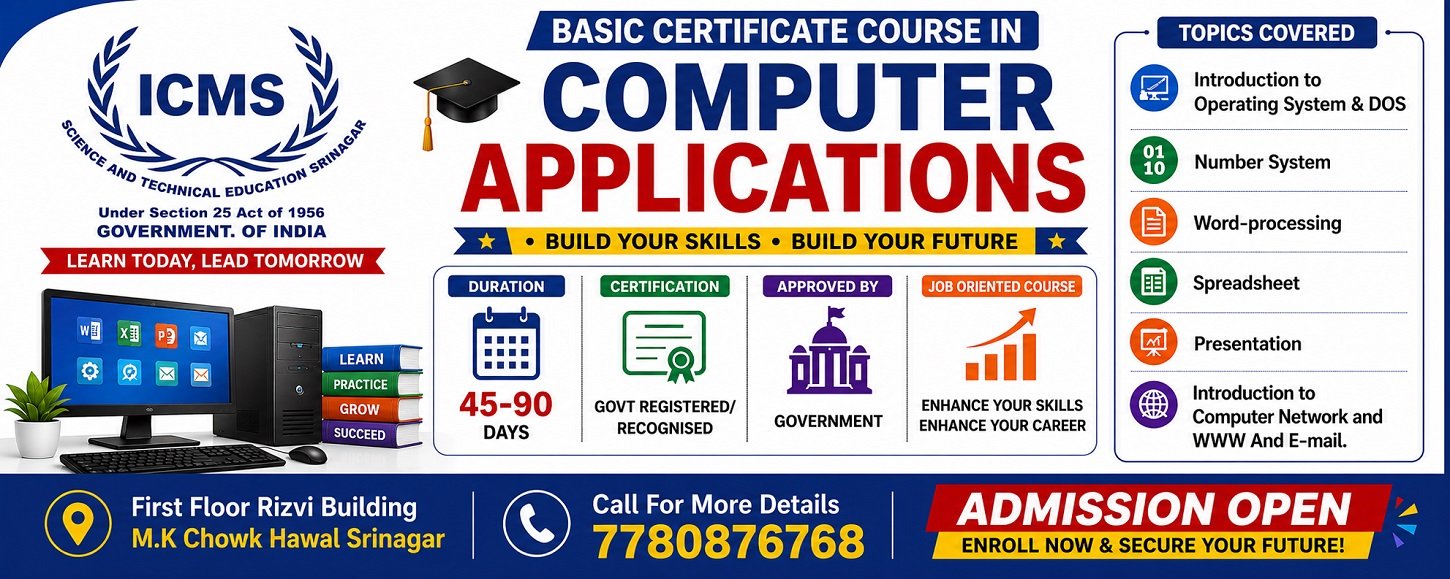
Course Modules
1. Introduction to Computer
2. Number System
3. Introduction to Operating System
4. Microsoft DOS
5. Microsoft Word
6. Advanced Microsoft Excel
7. Microsoft Power Point
8. Introduction to Internet Computer Network:
9. Compression Utilities
10. Installation of operating System
11. Configure Microsoft Outlook with Gmail
2. Number System
3. Introduction to Operating System
4. Microsoft DOS
5. Microsoft Word
6. Advanced Microsoft Excel
7. Microsoft Power Point
8. Introduction to Internet Computer Network:
9. Compression Utilities
10. Installation of operating System
11. Configure Microsoft Outlook with Gmail
Prerequisites
- None.